Thursday, July 9, 2015

Using Arcademics to Build Skills


Technology Thursday is a USUALLY a weekly linky dedicated to all things technology related. Check out our Tech Thursday page for details on how to link up!

During the summer Tech Thursday will be a MONTHLY link up! The link will begin on the 2nd Thursday of the month and stay open until the next month!

This month I am going to share all about a great website (that is also available as an app) that I discovered towards the end of the year.
Arcademics is a great website that has skillfully combined academics with fun arcade like games. Students do not need an account to play any of their 60+ FREE games that practice a variety of skills (both language arts and math). Check out what games are available... don't they all look like fun!
Did you look closely at that top picture? You can select games based on a skill or based on a grade level! There are times when I will tell my students to pick a multiplication practice game. They select "multiplication" and up pops 7 games for them to choose from. All of which practice multiplication. Sometimes I just want them to focus on language arts games but only focus on fourth grade standards. They would then select "Language Arts" and "Grade 4" and the website narrows it down for them! Pretty fabulous!

Here are some shots of some of the games in progress. All of the games are played with multiple players so students can play against friends, or they can just play against a computer player.
Those last couple games are spelling games which my students just LOVE. The computer tells you a word to spell. You type them out (they don't even realize that they are practicing their typing skills at the same time) and if you get a letter wrong it gives you another chance before quick flashing the letter. This allows some of my lower learners to still feel successful!

Another bonus to Arcademics, it is available as an app too! When we roll out 1:1 devices next year, this is definitely an app that I will be requesting!
I thought I would throw it out there that there is also a paid version of the website (I think the pricing is $100 a year for a classroom or just $20 for homeschool or small group). The paid version (Arcademics Plus) allows you to data track your students and customize game content. You better believe I will be asking our tech director if this is something I could pilot in my classroom! The data looks pretty fabulous and it is something my students could work on at home if they have internet access or access to smart devices.

Check out Arcademics, you seriously won't be sorry that you did!

** Remember, Tech Thursday is monthly for the summer. The linky will stay open all month long so feel free to link up whenever you get a chance! Can't wait to see your tech tips, tricks and fun new websites and apps!**

 photo Signature-CASSIE_zpsaxxtaak1.png


Sunday, July 5, 2015

Sunday Scoop - Vegas Edition


The Sunday Scoop is based on the popular 3-2-1 graphic organizers so many of us use with our students. Tell us three things you HAVE to do, two things you HOPE to do, and one thing you're HAPPY to do. If this is your first time linking up, check out all the details on our Sunday Scoop page, then link up below!

Here's the Scoop on my week...


Woohoo! So excited to head to Vegas on Tuesday. If you're coming too, let me know in the comments, I'd love to meet you!

Link up your Scoops below!

 photo Signature - KRISTEN_zpsnquvy8un.png


    An InLinkz Link-up
   

Wednesday, July 1, 2015

Favorite Things: Spending Time with My Teens


It is often hard to find time to spend with your own children once they reach a certain age. Mine have reached that age. They are teenagers. Yikes! My son is 19 and a sophomore in college, and my daughter is 16 and a junior in high school.  

It has gotten increasingly hard to find any time to spend with them and that they WANT to spend with me.  They have jobs, friends, sports, etc. Mom is just not as cool as she used to be! Movies are great- got them introduced to Jurassic Park- and they love to let me pay for dinner, but here are a few of the other things we do that help keep us "bonded" together.


I know some of them are T.V. related, but a mom does what she needs to when trying to catch a minute (any minute) with her uber busy teens!


The Favorite Things Linky is a great way to share your 3 favorite anythings! Grab the template and button and link up below! If this is your first time linking up, check out our Favorite Things page for more details!

 photo Signature-JULIET_zpskkoxehux.png


Sunday, June 28, 2015

Sunday Scoop {6.28.15}


The Sunday Scoop is based on the popular 3-2-1 graphic organizers so many of us use with our students. Tell us three things you HAVE to do, two things you HOPE to do, and one thing you're HAPPY to do. If this is your first time linking up, check out all the details on our Sunday Scoop page, then link up below!

Here's the Scoop on my week...
What are you up to this week?

 photo Signature-CASSIE_zpsaxxtaak1.png


Thursday, June 25, 2015

Tech Tips for #TPTVegas15 {Tech Thursday}


I know Tech Thursday is only monthly through the summer, but you guys know how I love to share tech tips, so... Here are a couple just for the TPT conference. If you're not going to the conference, we will miss you, but check back again on July 9 for another great tech tip!

1. Expensify
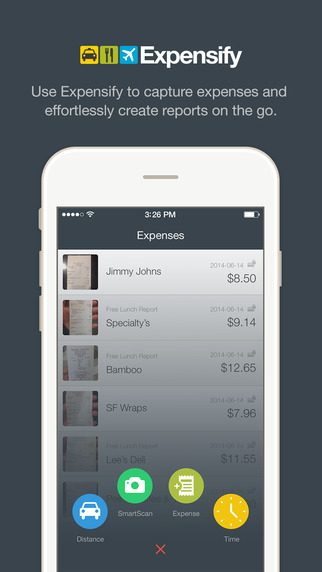
Just about everything you pay for in Vegas is a business expense, so be sure you're saving receipts! Last year, a lot of my receipts had faded by the time I got home, so I wanted to find a better way to save them for this year. Expensify is a free app (in the App Store or Google Play) that allows you to scan in your receipts and assign them to different categories or events.

When you scan your receipt, it automatically reads the location, date, and amounts for you and enters them into your reports! Super easy to get your total amounts for tax purposes, and it keeps the scanned images in case you need to prove them later. Say goodbye to the big envelope of crumpled, faded receipts! I scan mine as soon as I get them, so I don't have to worry about losing them.

It does have options to link to your bank account and credit card, but I am not comfortable with that, so I haven't done it.

2. The Venetian/Palazzo App

The Venetian has an app. It will give you directions. 'Nuff said! No, but seriously, that place is H.U.G.E. so anything that can help me figure out where I'm going is good!! (App Store or Google Play)


3. Notability

If you'd rather take notes on your iPad, I found a great app last year, called Notability (App Store). You can save your conference handouts to the app, and write directly on them with a stylus or type using your touchpad. There are more details in this post from last summer if you'd like to see screenshots , how-to, and all that good stuff. Notability is only for Apple devices, but for you Android users, Papyrus looks pretty similar (Google Play).


4. Portable Charger for your Devices

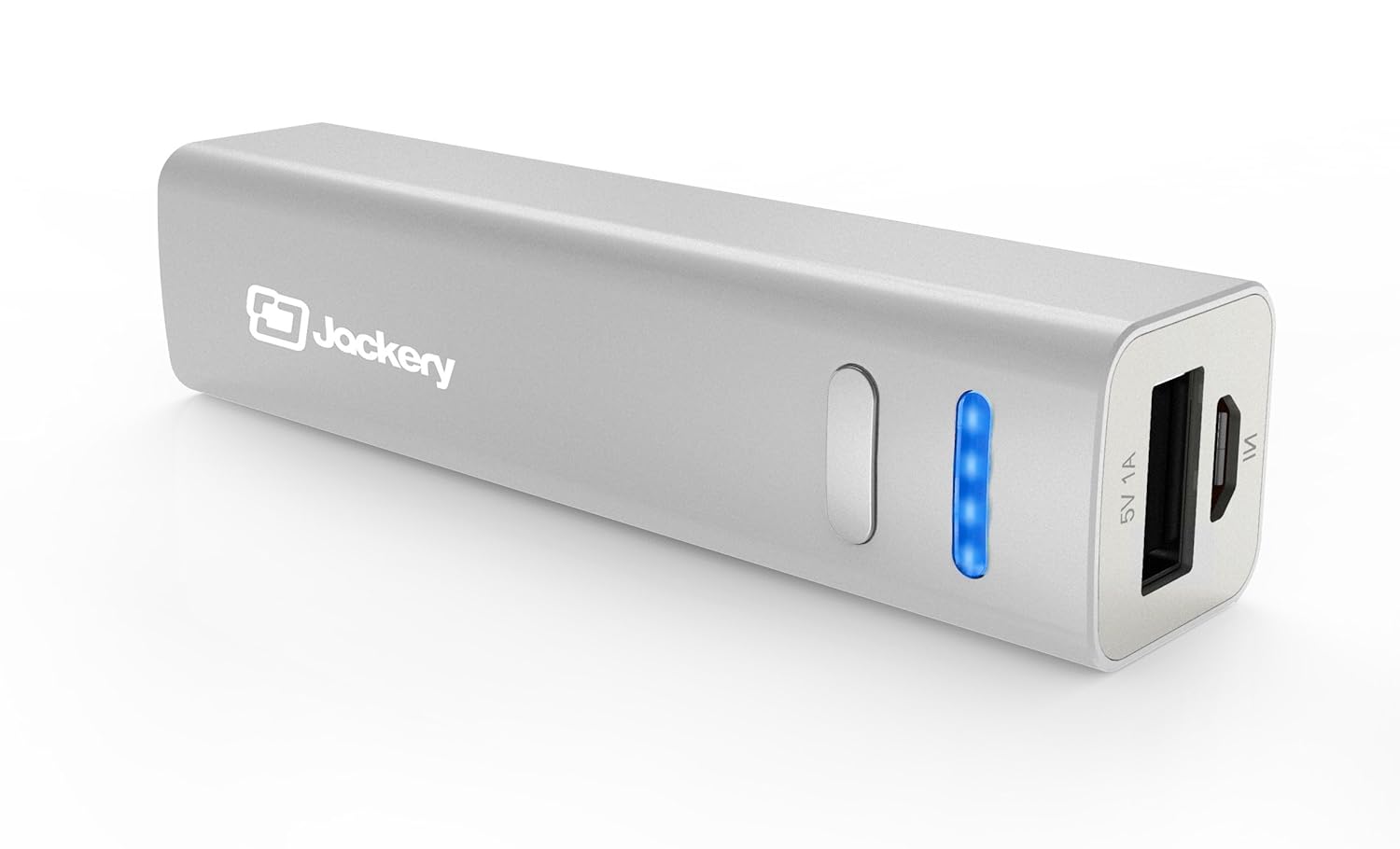
There is some kind of cell-phone-killing, iPad-battery-draining life force inside the hotel! You will be using your device a lot (with free WiFi from TPT!) to make connections with people you meet. Don't  be the one tied to an outlet trying to charge your phone in between sessions! There are lots of good, inexpensive pocket chargers out there. Here's the one I have, and have been pleased with:

5. Packing List Freebie

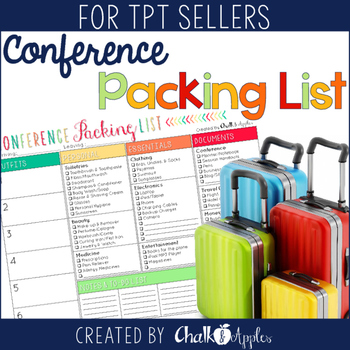
Ok, so this isn't a tech tip, but I thought I'd share that I made a Conference Packing List Freebie in case you're feeling as overwhelmed as I am about making sure you pack everything you need for the trip! Grab it in my TPT Store if you can use it! 

Remember, our Tech Thursday Linky is new on the second Thursday of each month for the summer, but you can link up every Thursday, if you like! Check out some of the other great linkups for this month below! 


 photo Signature - KRISTEN_zpsnquvy8un.png


    An InLinkz Link-up