Showing posts with label TPT. Show all posts

Thursday, June 25, 2015

Tech Tips for #TPTVegas15 {Tech Thursday}


I know Tech Thursday is only monthly through the summer, but you guys know how I love to share tech tips, so... Here are a couple just for the TPT conference. If you're not going to the conference, we will miss you, but check back again on July 9 for another great tech tip!

1. Expensify
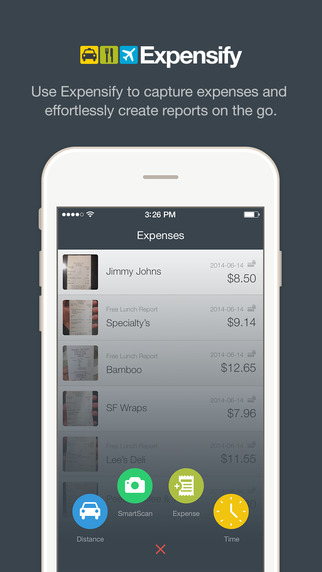
Just about everything you pay for in Vegas is a business expense, so be sure you're saving receipts! Last year, a lot of my receipts had faded by the time I got home, so I wanted to find a better way to save them for this year. Expensify is a free app (in the App Store or Google Play) that allows you to scan in your receipts and assign them to different categories or events.

When you scan your receipt, it automatically reads the location, date, and amounts for you and enters them into your reports! Super easy to get your total amounts for tax purposes, and it keeps the scanned images in case you need to prove them later. Say goodbye to the big envelope of crumpled, faded receipts! I scan mine as soon as I get them, so I don't have to worry about losing them.

It does have options to link to your bank account and credit card, but I am not comfortable with that, so I haven't done it.

2. The Venetian/Palazzo App

The Venetian has an app. It will give you directions. 'Nuff said! No, but seriously, that place is H.U.G.E. so anything that can help me figure out where I'm going is good!! (App Store or Google Play)


3. Notability

If you'd rather take notes on your iPad, I found a great app last year, called Notability (App Store). You can save your conference handouts to the app, and write directly on them with a stylus or type using your touchpad. There are more details in this post from last summer if you'd like to see screenshots , how-to, and all that good stuff. Notability is only for Apple devices, but for you Android users, Papyrus looks pretty similar (Google Play).


4. Portable Charger for your Devices

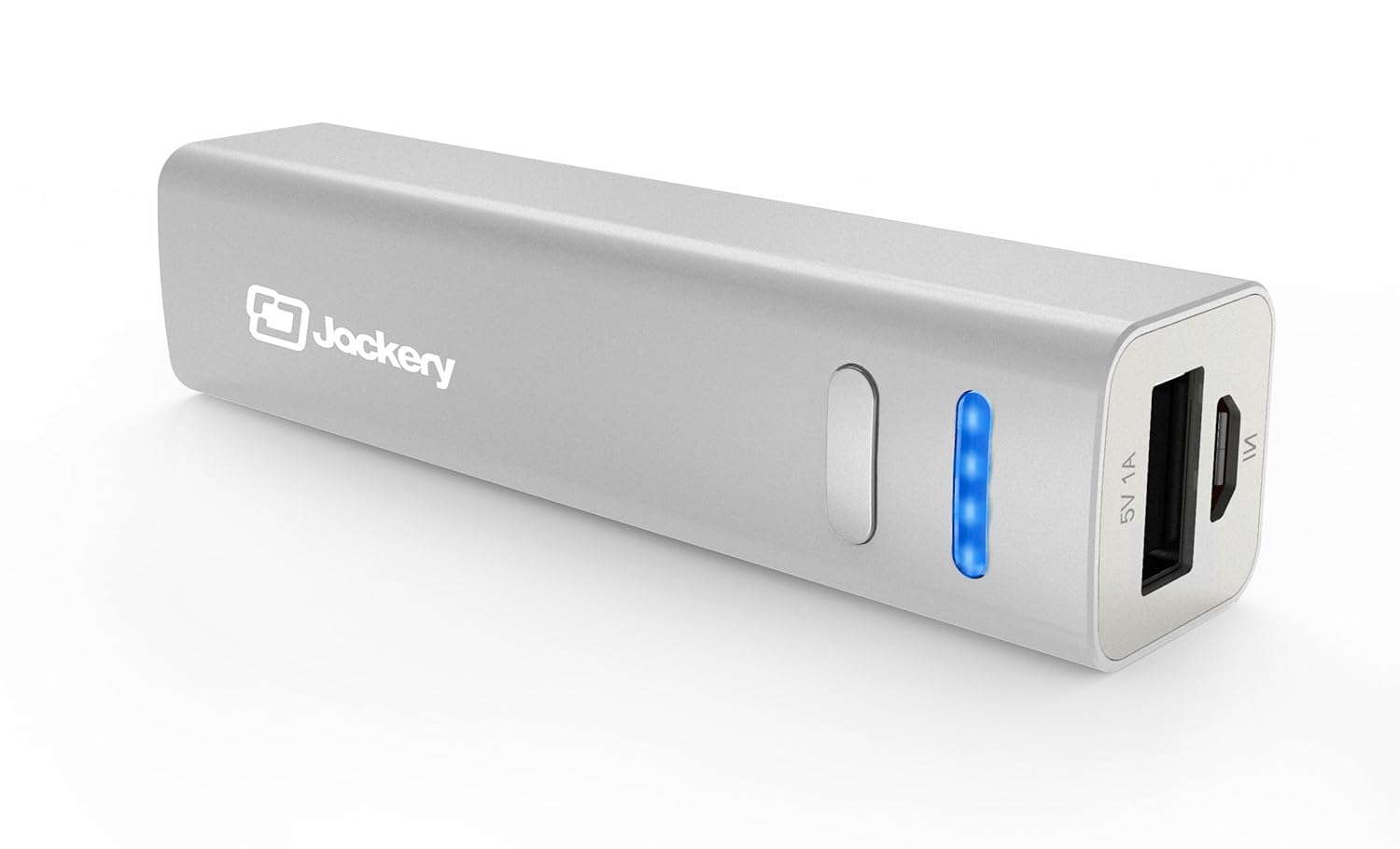
There is some kind of cell-phone-killing, iPad-battery-draining life force inside the hotel! You will be using your device a lot (with free WiFi from TPT!) to make connections with people you meet. Don't  be the one tied to an outlet trying to charge your phone in between sessions! There are lots of good, inexpensive pocket chargers out there. Here's the one I have, and have been pleased with:
5. Packing List Freebie

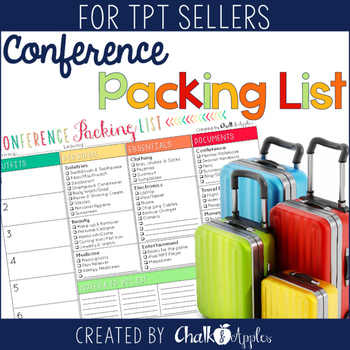
Ok, so this isn't a tech tip, but I thought I'd share that I made a Conference Packing List Freebie in case you're feeling as overwhelmed as I am about making sure you pack everything you need for the trip! Grab it in my TPT Store if you can use it! 
Remember, our Tech Thursday Linky is new on the second Thursday of each month for the summer, but you can link up every Thursday, if you like! Check out some of the other great linkups for this month below! 


 photo Signature - KRISTEN_zpsnquvy8un.png


    An InLinkz Link-up
   

Tuesday, May 5, 2015

Teacher Appreciation Sale! {2015}


It's Teacher Appreciation Week!  Let the deals begin! 

Teacher Pay Teachers is throwing a massive sale.  Most stores will have their products on sale for 20% off. BUT if you use the promo code THANKYOU you will get an extra 8% off--- that's a 28% savings!


Make sure to mosey on over to our stores.  We have lots of new products!


My shopping cart is almost full...how about yours?


Tuesday, February 24, 2015

Superhero Products: Saving one classroom at a time!


Sometimes, a good TPT product can really save the day! Today, we are linking up with Jivey to share some of our heroic products and the fabulous feedback teachers have left on them.

Cassie at Funky in Fourth has been getting some great feedback on her Solar System Unit.

Juliet, the Tech Crazy Teacher, has gotten fantastic feedback on her Treasure Map Project Based Learning activity.

Kristen gets fabulous feedback from teachers using her Word Work for Big Kids vocabulary activities. 

Check out these and other superhero products in our TPT stores, and save up to 28% during the sitewide sale! Each of us will have our stores on sale Wednesday and Thursday this week, with an additional 10% off sidewide Wednesday using the code HEROES at checkout.

Hop over to Jivey's Superhero Product linky to see some more day-saving products from TPT authors!

Thursday, January 8, 2015

Tech Thursday {1/8/15} Saving and Securing your Products


Technology Thursday is a weekly linky dedicated to all things technology related. After you read this great tip, link up your own tech posts at the end. Check out our Linky Parties page for details on how to link up!


So you've used our PowerPoint tips to create a fabulous resource, and you're ready to share it with the world! The last thing you absolutely MUST do is secure your document. Almost all clip artists require their art to be "flattened or secured" if you are selling digital files of any kind. (Side note - Be sure to read and KNOW the terms of use before you use clip art in your products!)

I am always amazed at how many people think saving your file as a PDF makes it secure. This is NOT the case! As an example, I'm going to show you one of Cassie's products (so you know it's not one I created), and show you what can be done to it if it is not secure. Ready to have your eyes opened? (Don't worry, I have a fix for you!)

DISCLAIMER: Cassie always, always, always secures her files! She sent me this unsecured product file specifically for this post, and I promise, I did not save any of the art I lifted!


I'm not going to tell you how I did it, but it was beyond easy to snag the adorable clip art on this unsecured page and save it. You might notice that I opened the file in Adobe Pro, but the free reader will do the same thing. So you're not safe thinking that most people don't have the software to do this.

Why should you care? It is against the terms of use for nearly every clip artist I have ever purchased from to sell files with their graphics unsecured. It allows your buyers to steal their work. It is morally and legally wrong!


In this picture, you can see that I can type whatever I want over her product title. This goes for other areas of the product too. I would hate for someone to (a) take my product and try to resell it as their own by removing my information, or (b) change parts of my product. If it's not up to my standards, and a prospective buyer sees it, my reputation goes down.

Now that you understand why we HAVE to secure our files, let's learn how to do it!

I'll be showing you how to secure files in Adobe Pro, which costs $119 for educators. In my opinion, it it 100% worth the cost, but I will also link another option at the end of the post.

First, you need to save your file as a PDF. The process is the same no matter which Office program you use to create, but these images are from PowerPoint.


Click File > Save As and choose PDF from the File Type menu. From here, you can give your file a name and click save. If you want to save only certain slides rather than the entire document, you can do that by clicking Options. I have seen tutorials that say you can secure your file right here in PowerPoint, but when I tried this, my file was definitely NOT secure, so I recommend going the extra step to secure directly in Adobe or another PDF program. I've also seen some recommendations to save the PowerPoint slides as flattened JPG files, but this sometimes makes your graphics fuzzy.

Once your file has saved as a PDF, it will likely open automatically. To secure your file, click Tools > Protection > Restrict Editing.


A popup will appear for you to enter a password. I recommend using the same password for all of your TPT products, because you will need to enter it if you ever want to remove the security.


Once you enter your password, you will see a warning that your security settings will not be applied until you save the file again, so my next step is always to click Save!

A note about editable products...
If you create editable PDF files, you will need to secure your PDF using a slightly longer process that accomplishes the same thing.


Click File > Properties > Security tab. Change the dropdown menu from "no security" to "password security." A popup will appear for  you to select security settings. Under "permissions" check the box next to "restrict editing & printing."


Beside "printing allowed" choose high-res. Beside "editing allowed" choose "commenting, filling in form fields, etc." Then type your password in the password field. You will confirm the password on the next popup window and will need to save your file to save the changes.


When you've done it right, you will see (SECURED) at the end of your file name. Now you can rest easy, knowing that your work and the graphics you used are all protected!

As promised, here's a link to Cassie's post on her blog, Funky in Fourth, about how she uses PDF Connect Suite to secure her files.

Link up below with your own Website or App recommendations, Tech Tips, Tutorials, or anything else tech-related! We can't wait to learn from you!


    An InLinkz Link-up
   

Monday, December 1, 2014

TPTCYBER sale - What's on your wishlist?


By now I'm sure you've heard that the TPT Cyber Monday & Tuesday sale starts TODAY! I'm excited about getting home from work and clearing out my wishlist full of amazing products!

It's always fun to see what everyone else is buying for their classrooms, and I discover some of the best products this way, so today, we're linking up with Jivey to share what's on our wishlists...

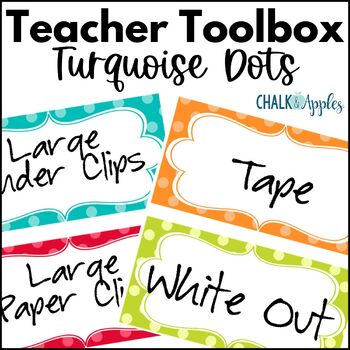
At Chalk & Apples, my #1 wishlisted item is an oldie, but a goodie...my very first TPT product EVER... my Turquoise Dots Teacher Toolbox Kit! It's been updated several times, but it remains my best seller & top wishlisted item.


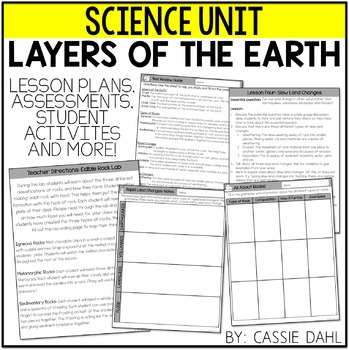
The top wishlisted item at Cassie's Funky in Fourth store is her Layers of the Earth Unit. Buyers love all the graphic organizers and the included lab activities!

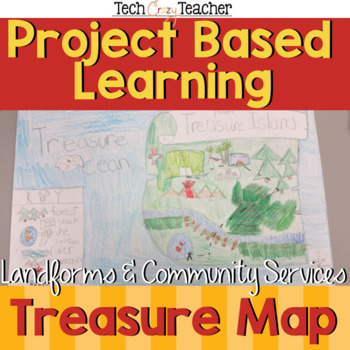
Most wishlisted at Juliet's store, Tech Crazy Teacher is her Island Treasure Map project. In this fun and engaging activity, students use many different map skills to create their own island and hide a treasure on it! Includes everything you need, even antique paper, and a rubric for easy assessment. 
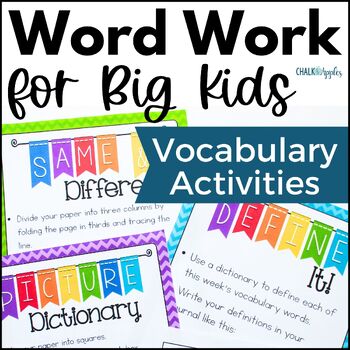
#2 from Chalk & Apples is my Word Work for Big Kids! I created this product out of a need in my own classroom for some challenging word work activities that I could use over and over with our vocabulary words in my 5th grade class, and I still use it daily! PS - It's also included as a freebie with my Growing Vocabulary Roots: Morphology Word Study Unit 1, so don't buy it twice!

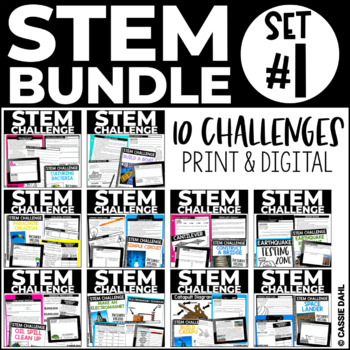
Second from Funky in Fourth is Cassie's STEM Challenge Series Bundle. This bundle is still in progress, but will include TEN great STEM activities by January.  Each challenge includes complete lesson plans, student recording sheets, and tips.

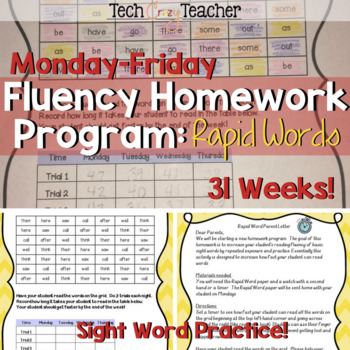
Juliet's second most wishlisted item is her Rapid Words Sight Word Fluency Program. This complete program provides fun and engaging weekly homework for practicing sight word fluency throughout the entire year! Everything you need is included. 

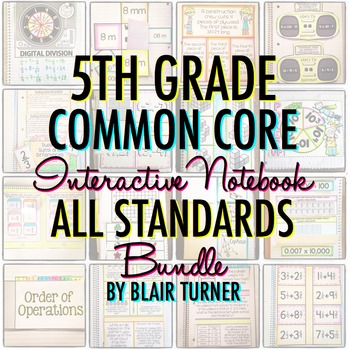
This one is HUGE, so I've been waiting for a sale to buy it... I can't wait to get Blair Turner's Interactive Math Notebook Bundle for 5th Grade! It is chock full of interactive notebook templates & lessons for everything we teach, and I can't wait to start using it with my fifthies! 
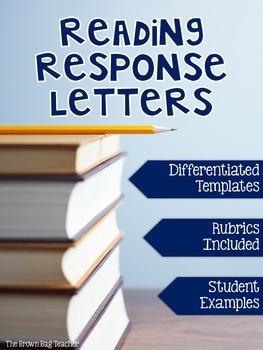
Cassie can't wait to start using The Brown Bag Teacher's Reading Response Letters. These look like such a great way to start conversations with each student about the books they are reading! Juliet is looking forward to challenging her students to think more deeply about what they've read by using Anna Brantley's HOTS Reading Response Sheets. I love them too... if she made them for 5th grade, they'd be on my wishlist in a heartbeat. What's on your wishlist? Head over to Ideas by Jivey to link up!

Monday, August 4, 2014

Back to School + the Big Sale!!!

Well, the day has arrived! The Teaching Trio has our first day with students today! I find myself both excited and exhausted in equal parts. I'm sure by tonight I will feel like this:
Credit: SpanishPlans.org
And by Friday, I'll be doing this:
Credit: heygirlteacher.tumblr.com
Don't forget, the big TPT Back to School Sale is today and tomorrow! Empty out your wish lists now while you can save up to 28%! Check out this Back to School Sale Blog Hop to see who is participating in the sale! 

Juliet and I both have our stores on sale for 20% off both days, and you can use promo code BTS14 to save an additional 10% from TPT! Click the images below to be taken to our stores!


I'll leave you with one final meme, courtesy of the fabulous Rachel Lynette:
Credit: Rachel Lynette, minds-in-bloom.com